
 Voice to-doSay it, it’s on the list
Saydo
Say what is on your mind and Saydo turns it into tasks with dates and reminders, for you to check before saving. Plan your day, keep habits, and see the lunar calendar with death anniversaries (giỗ) and holidays.
What you can do
The main things Saydo does, in plain words.
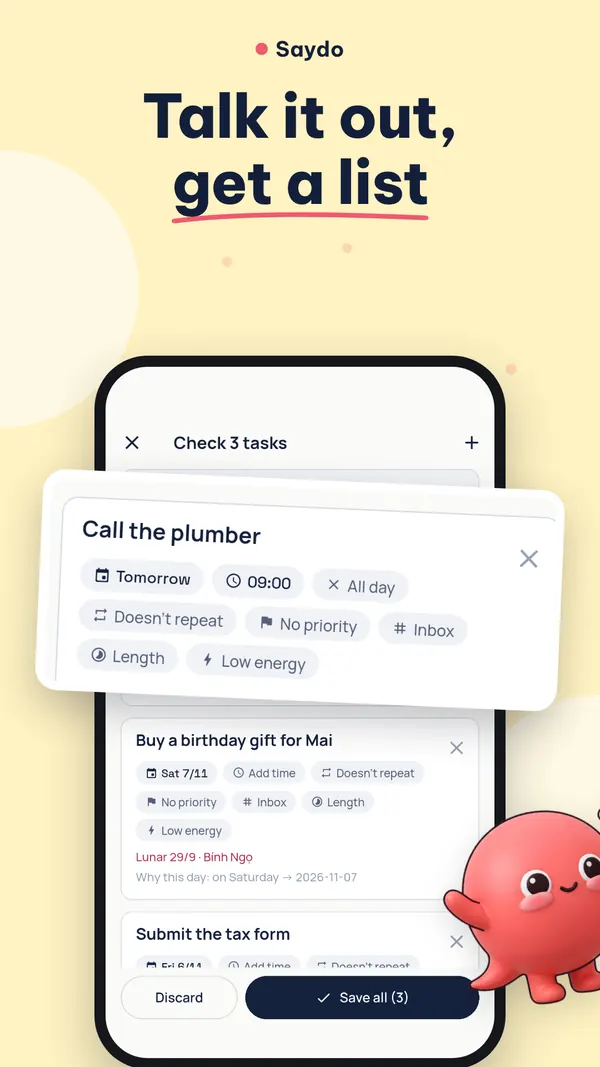
Brain-dump, then confirm
Say several things at once; Saydo splits them into tasks and shows them for you to check.
Lunar calendar, giỗ and holidays
Vietnamese lunar dates, family death anniversaries and public holidays beside your tasks.
Capture any way
Share text into Saydo, scan a wedding card or a school notice, or add from the widget.
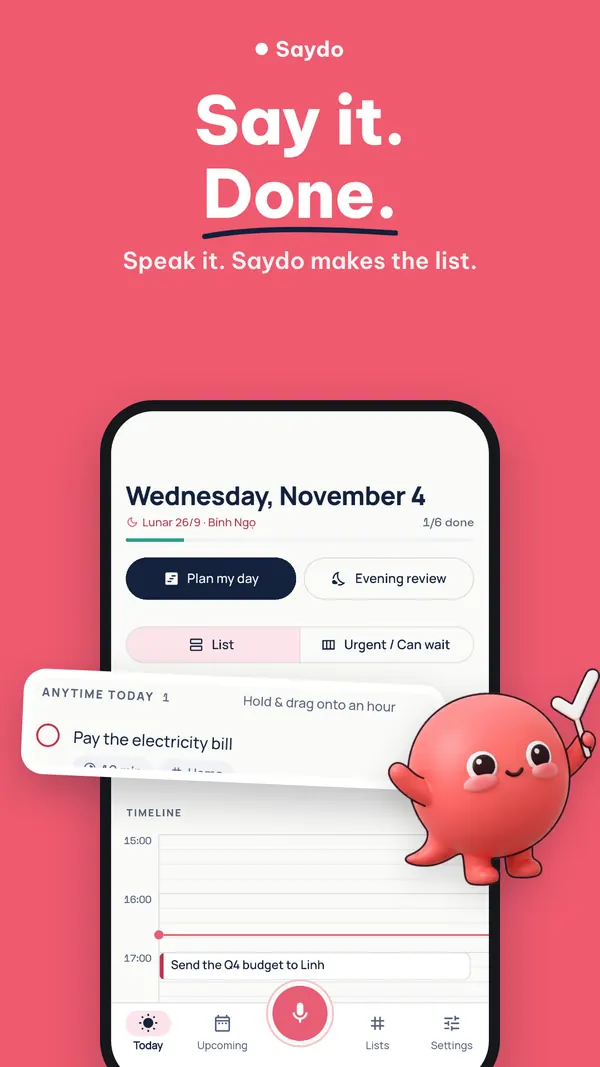
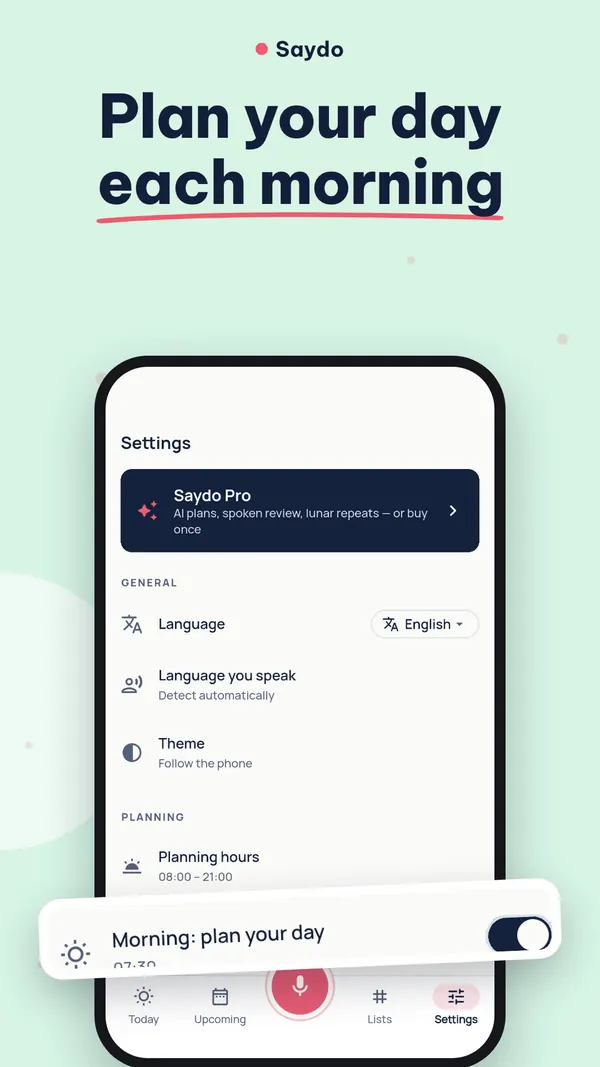
Plan your day
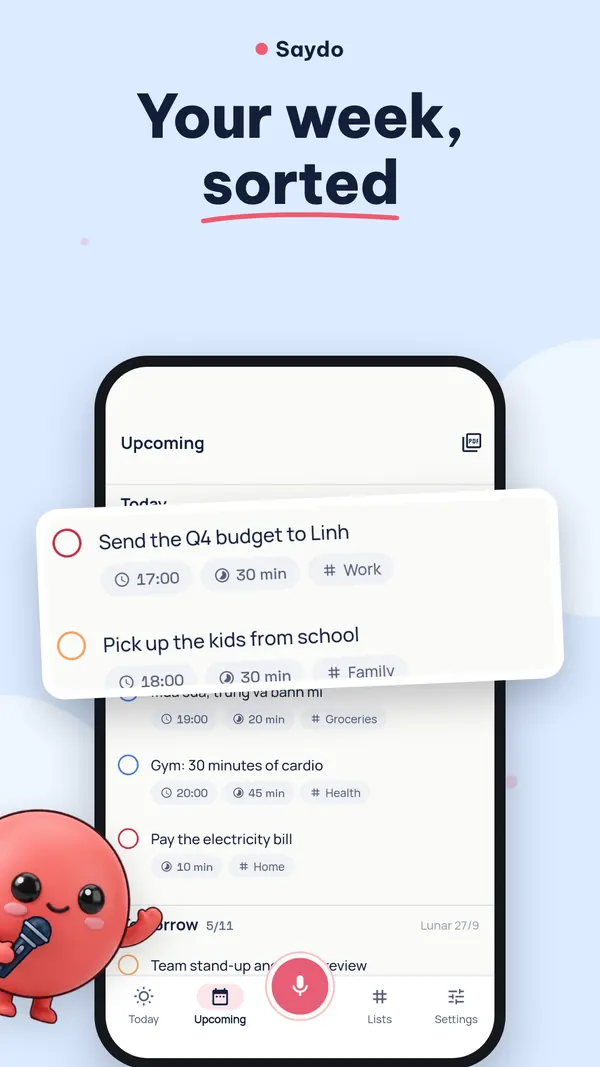
A Today timeline and a morning plan that works around what is already on your calendar.
Reminders that ring
Reminders at the minute you set, with alarm-style reminders if you want them.
Habits and calendar export
Keep daily habits, and export events as an .ics file for any calendar app.
Inside the app
Screens from the current Android version.
Your data, in plain words
There is no account and your data stays on your phone unless you use a feature that needs the internet. The free Android app shows Google AdMob ads; Pro removes them.
Questions, answered
Something else? Email fighttech.vn@gmail.com.
Do I need an account?
No. Your tasks, lists and reminders are stored on your phone, with no cloud sync.
Does my voice leave my phone?
You choose in Settings › AI engine. “On this phone only” keeps everything on the phone. Saydo Cloud (credits) sends the recording or text to our gateway to make tasks. The recording is deleted from the phone once it has been read.
Are there ads?
The free Android app shows Google AdMob ads. There are none while you have Pro, after you buy a credit pack, or during a 30-minute Pro window unlocked by a rewarded ad.
How do shared family lists work?
A shared list travels as a file you send through an app you choose, such as chat or email. Saydo itself uploads nothing.
Try Saydo
Saydo: Voice To-Do List is free to download on Google Play for Android.